








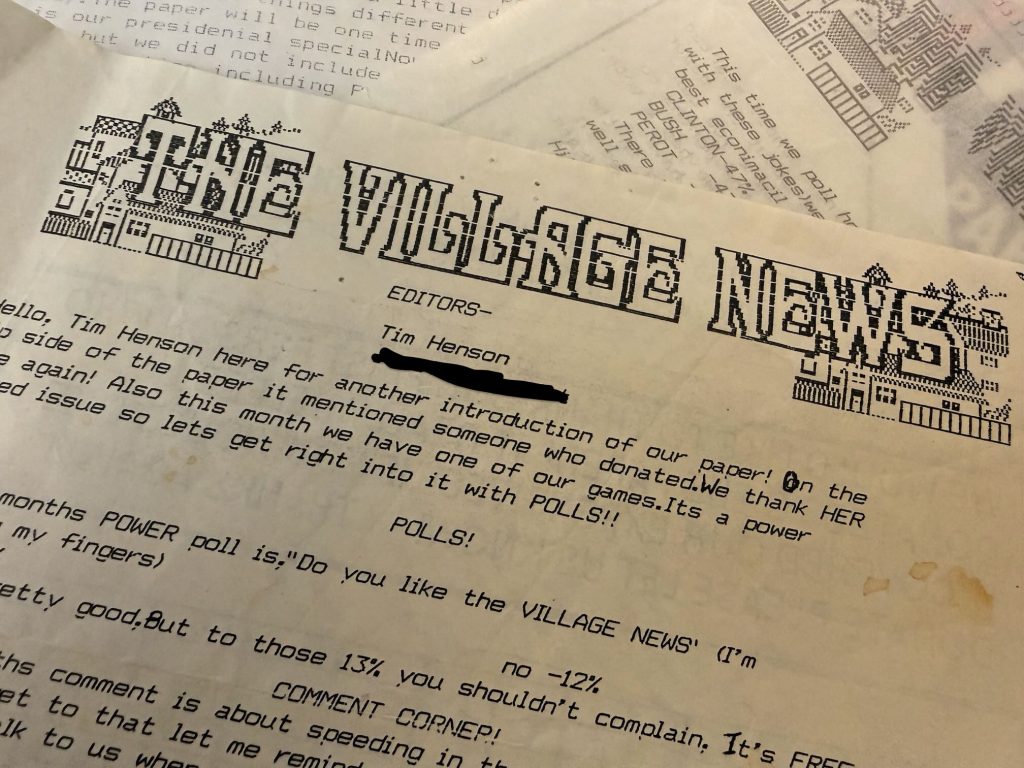
Around 1991, shortly after I was gifted a Commodore 64 Test Pilot Bundle for my birthday, I convinced my parents that buying me a printer was not only a sound financial decision, but a wise investment in my education. Instead of using the computer solely as a gaming machine, I could be writing dissertations, publishing the next great American novel, and generating family expense reports. I was 11. While my writing did not garner me a Pulitzer, I did, however, create a neighborhood newsletter read by 10-12 people.
Yes, I wore my parents down and they purchased me a Star Micronics NX-1000C dot matrix printer. It was big, it was heavy, and dammit it was LOUD. It was placed somewhere atop my inexpensive computer desk, and when that thing was slamming text onto paper at 120 characters per second, the whole desk would wobble and shake.
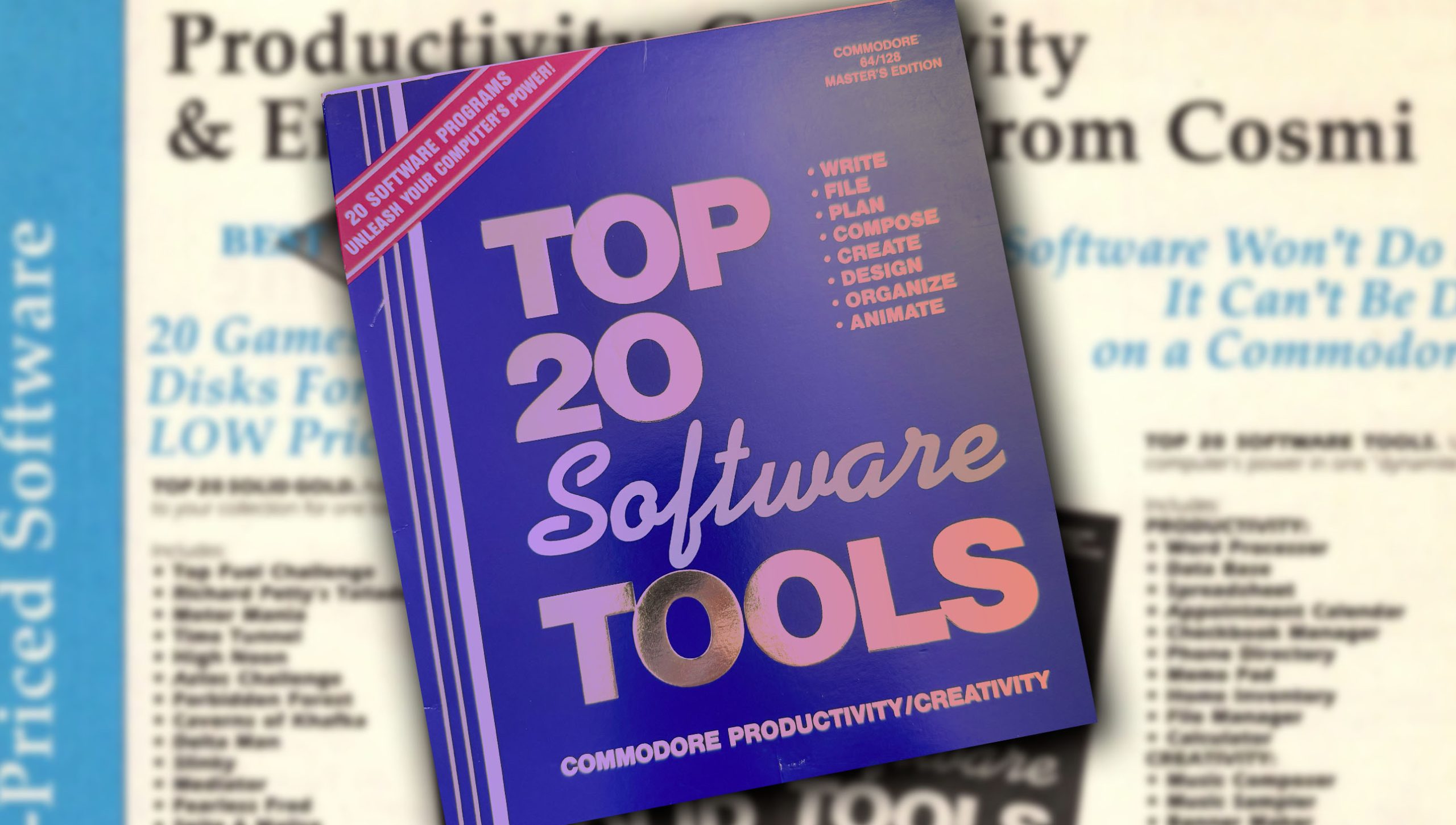
Before I could begin my ascent as a print media mogul, I was missing one key element – the software! I needed a word processor to actually get my brilliant thoughts out of my brain, on to a screen, then to paper, and ultimately into the hands of the knowledge-starved public. Preteens aren’t typically known for being savvy consumers, and I had no idea what to look for in a word processing application package. In my mind, they were all pretty much the same – blank screens to fill with words featuring a command to dump everything onto a piece of paper. As I flipped through the software catalog, it soon became clear – why spend my (parents) hard earned money on *JUST* wordprocessor when I can by a bundled suite of programs! Enter: Top 20 Software Tools by Cosmi.
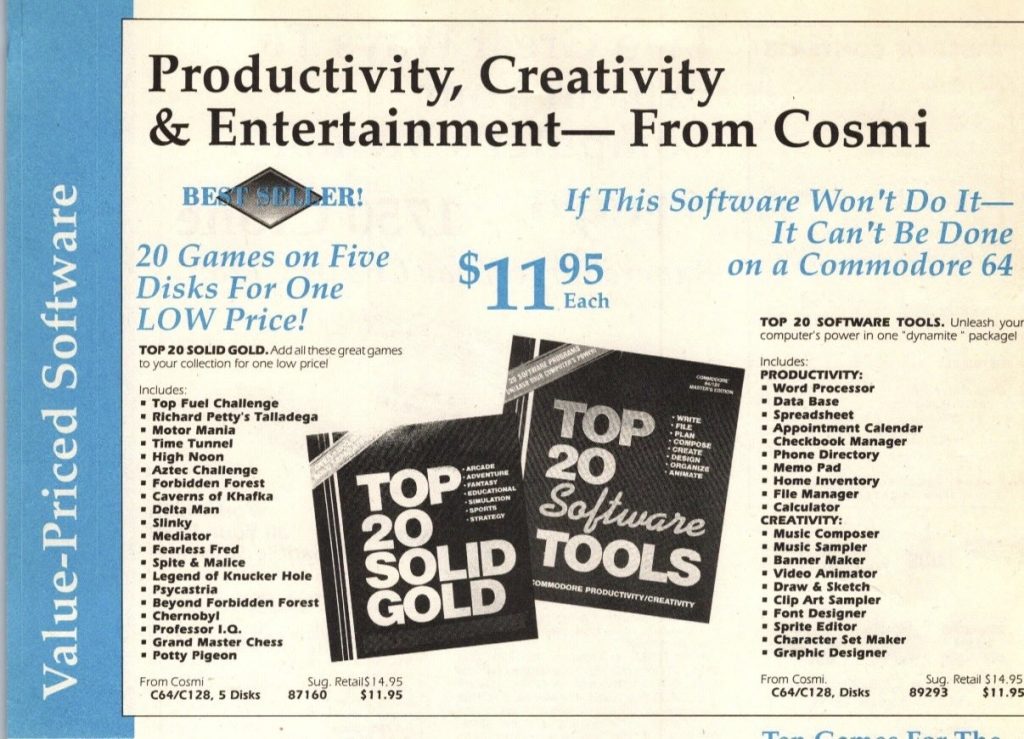
Cosmi was a publisher of low-cost software for a variety of computer systems in the 80’s. Some of their games like Aztec Challenge and Forbidden Forest were well received and fondly remember. Many of the software tools included in Top 20 Software Tools are not so fondly remembered. As a matter of fact, they don’t even really have names. The word processor is just named “Word Processor”. And spreadsheet is “Spreedsheet”. These all appear to be designed in house by Cosmi’s software imprints like Celery Software and Swift. More on this later.
Hey, $12 is a steal, though! It was a resonable amount to spend in the eyes of my parents. Plus, I’d be getting a boat-load of software in addition to the word processor. Truth be told. I wasn’t really that interested in the Appointment Calendar or Phone Directory. The “Creativity” selection caught my eye in a big big way, though. Video Animator!? Music composer?! Graphic Designer!? Now you’re talking! Poor young innocent Tim – he hadn’t yet learned of the phrase you get what you pay for.
Honestly, looking back some 30-odd years later, I don’t remember being disappointed in the software. I obvioulsly used the word processor, printed a bunch of stuff with the Star NX1000C, and went on to create the award winning Village News Newsletter. But, I also don’t reember much about the other 19 tools included in Top 20 Software Tools, aside from hazy memories of making a sprite graphic I designed vertically scroll across the screen.
With my Commodore 64 Ultimate on order, curiousity (and nostalgia) once again got the better of me: how bad (or good) was the Top 20 Software Tools? There was only one way to find out.
Just about every piece of commercial Commodore 64 software has been archived and preserved. One of the great things about owning this vintage machine (or buying the new Comodore 64 Ultimate) is that you have access to all of these titles! Just download and play! Except in the case of Top 20 Software Tools by Cosmi, that is. It was only kinda, sorta, less-than-halfway preserved online. I found a few online respositories that included disk 1 of the collection, and that was about it. All the good stuff: the sprite editor, and video animator, and sound composter, was on disk 2.
Still, disk 1 was better than nothing! I downloaded the .64 disk iamge. loaded up the word processor and prepared myself to be awash in early 90’s nostalgia!
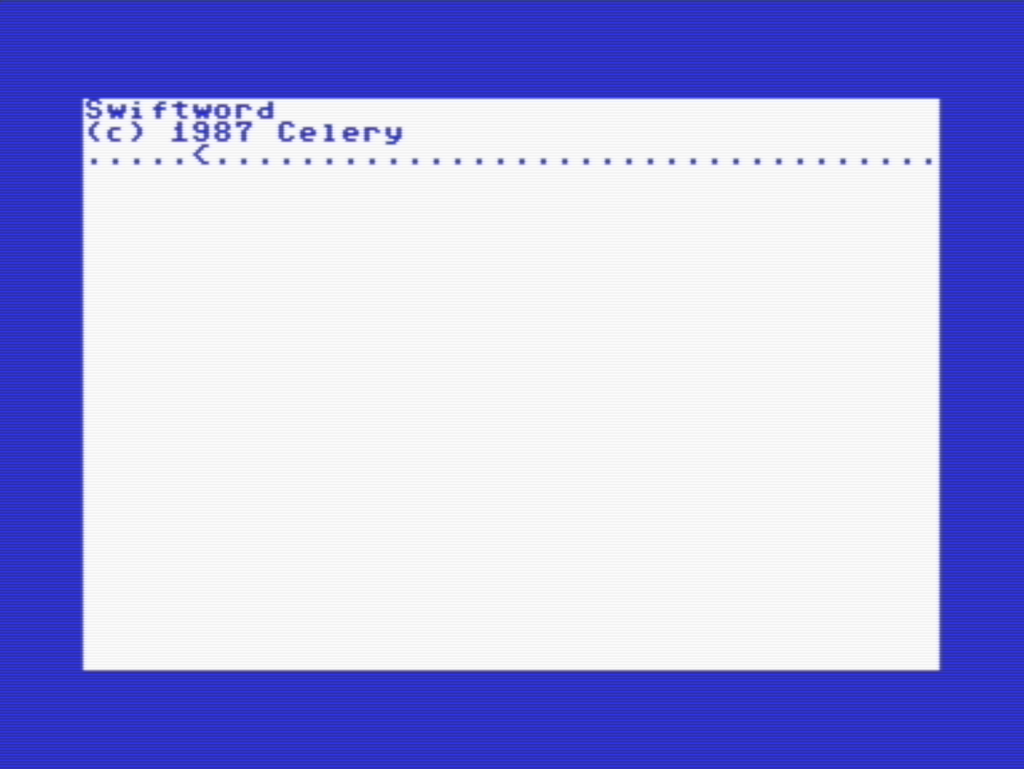
Ok, now what am I supposed to do? I mean, I know I can type something in that blank area but how do I load a file? save? copy? I hit f1 and was met with this:

Cool, cool. We all need boundaries. The problem was I couldn’t seem to get off this screen or do anything else. None of the keys I started mashing responded. Obviously, I had no idea what I was doing, which isn’t necessarily the software’s fault. There’s no on-screen or included documentation, though, so I was stuck. But then I remembered: Tim, you’re an adult! You can blow your money on whatever dumb ueseless thing you want now! Enter: E-bay.
I found one complete set of the Top 20 Software Tools disks and I pulled the trigger immediately (as if others were clamoring to own this and if I didnt act RIGHT NOW I’d lose out)
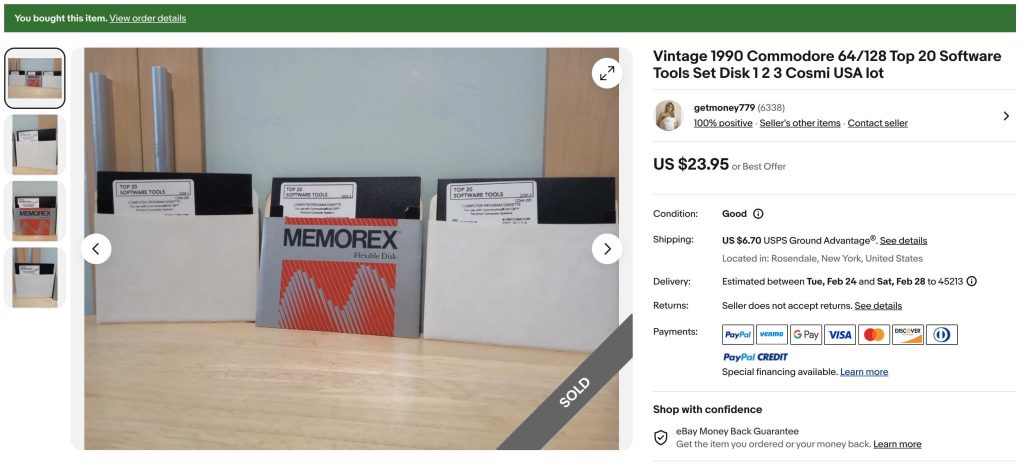
Yeah, I realize $24 is twice the price this software was going for in 1991. Don’t worry, though: I promise you I will spend even more before this whole stupid ordeal is over with.
Actually, it didn’t take long for me to open my wallet again. Immediately after the purchase, I found this – ALSO ON EBAY.
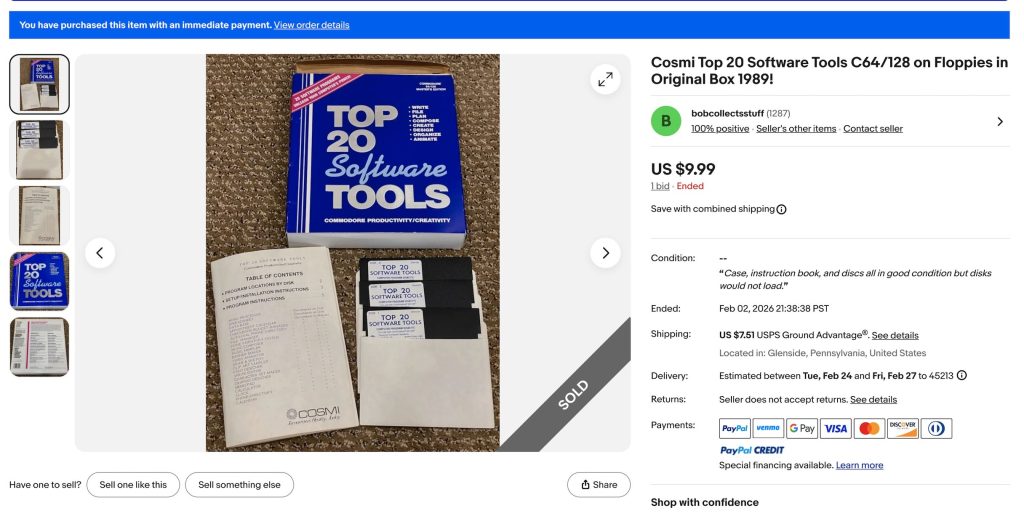
This listing included the original box, all three disks, AND the instruction manual! All for $9.99. What a steal! Naturally, I had to jump on this listing as well. Both packages arrived in less than a week. So, I’m the proud owner of multiple Top 20 Software Tools. That’s 40 Tools in all (including duplicates). Bonus: my C64 Ultimate also arrived not too long after. I was in business!
By today’s standards, this is not user-friendly software. Even if I found complete disk images of the package, I’d have trouble actually using it. There’s no on-screen help. This was pretty common in the 80’s: floppy disks had limited space, computer’s had limited memory, and easy-to-navigate GUI’s with drop down menus and help files were not common in 8-bit computers, so if you wanted to learn how to use your program, the included (sometimes hefty) printed manual was your only hope.
In the case of Top 20 Software Tools, this was 40 pages full of strangely typeset instructions. The margins were are all over the place. Sometimes the text starts so high on the page it’s almost cut off, and other times the text looks like it was printed slighty slanted. Despite this, It’s all readable, though. Interestingly, the cover of the booklet indicates instructions for every program is included in the manual EXCEPT for the Word Processor and the Spreedsheet. Those instruction documents are included on disk. Whoops.
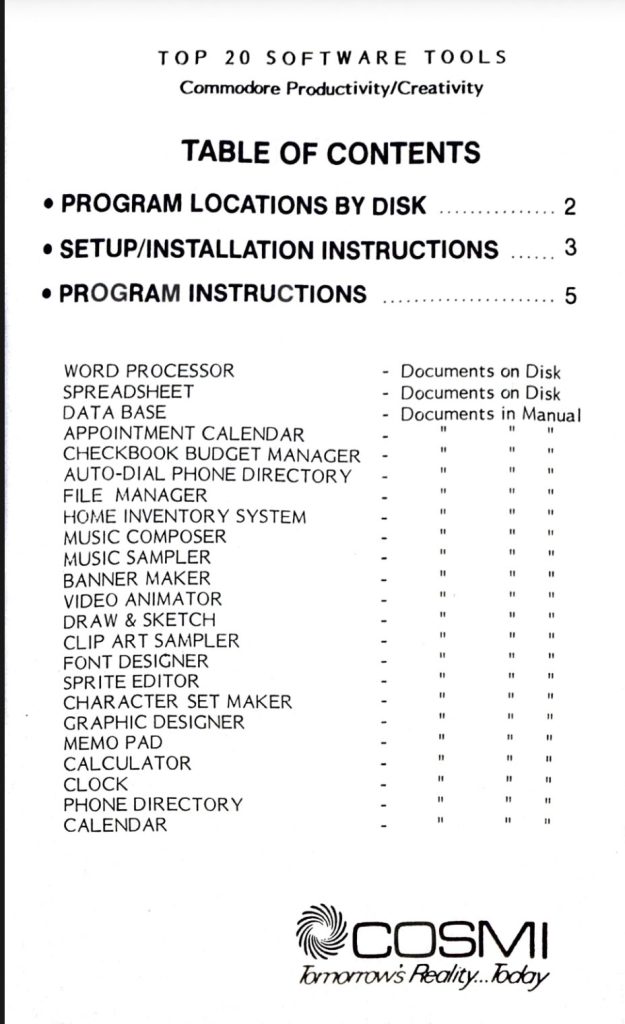
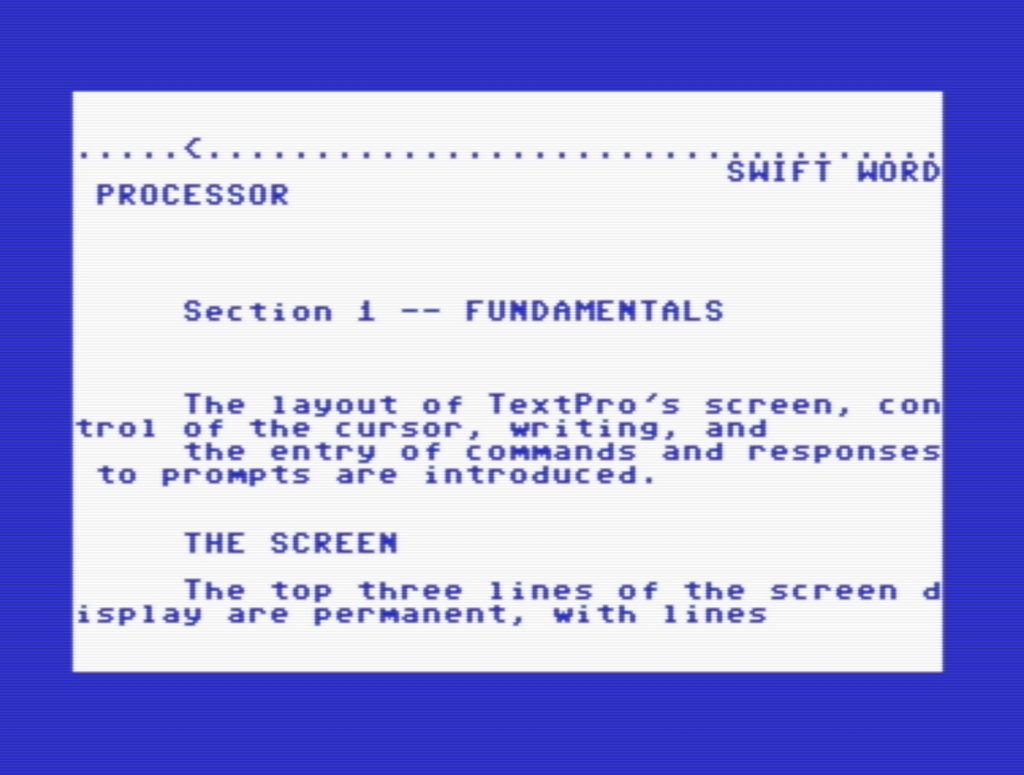
Eventually, I figured out how to get to the main menu of the word processor and load the manual! Score!
As a matter of fact, a lot of the applications are just renamed/denamed versions of older Cosmi published titles. The spreadsheet program, for instance, has the names “Spread sheet”, “Swift Sheet”, and “Microswift” used at different times. The applications on Disk 3 are a listed memo pad, calculator, clock, phone directory, and calendar. It’s actually one program that is loaded and remains in memory called TurboMIRV. Using a keyboard shortcut, you can call up TurboMIRV while you are in other games/programs you are running.
Backing up this software was an entirely different ordeal. For most of the disk copying process, I used Maverick, a well-regarded Commodore 64 backup utility. I used Sir Nybbler, another disk copy program, when I had trouble getting the copied version of a disk side to work. When I got to disk three, tohugh, I noticed the copying was taking a really long time. My Floppy drive began to knock and knock and knock, and when I finally aborted the attempt, the drive did not want to read ANY disk anymore. It was dead (or the drive was knocked out of alignment. I havent begun to diagnosis that yet)
A week or two later – another 1541 drive arrived courtesy of E-bay. Now, disk 3 copied with no problem. After testing all of the copied disk images, I uploaded the whole mess, manual and all, to the Internet Archive. Will anyone want/need this stuff? Who knows. But the Commodore 64 software catalog online has becoming just a teensy tiny more complete.
In the coming days, I will post a video walkthru of The Top 20 Software Tools on my Youtube channel. It’s sure to be some adrenaline pumping / edge of your seat computing – so make sure you’re subscribed.












What do you think?
Show comments / Leave a comment